


.png)
Title
Description goes here
MORE EVENT DETAILS

Live Chat

NewForm
🔴 Learn From The Experts. Live.
Wix Studio | Webinar: Mastering advanced layouts with pixel-perfect responsive control
Wix Studio
58:10

How To Make Your Wix Website Look Great On All Screen Sizes (Make Website Fit All Screens)
Thrive Media
3:40

How To Make Your WiX Website Look GREAT on ALL Screen Sizes | WiX Classic Editor | Responsive Design
The Wix Wiz
8:31

Our Full Library Of Content
No Results Found.
Learn to create dynamic, interactive cards in Wix Studio with this step-by-step no-code guide for web design enthusiasts!
Creating Dynamic Cards in Wix Studio: A Step-by-step Guide #wixstudio #webdesign

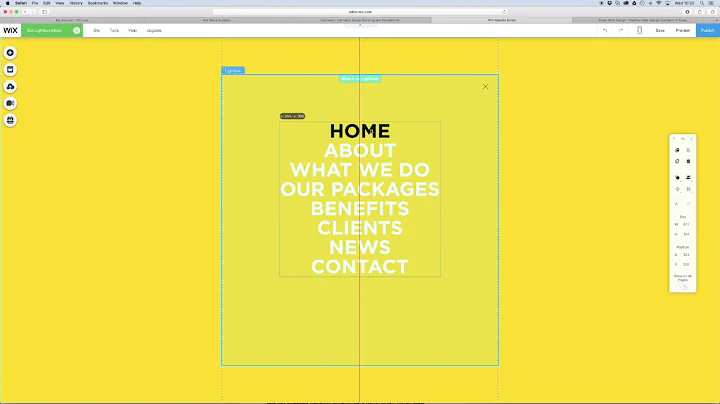
Learn to create a stunning full-screen hamburger menu in Wix using the lightbox feature with this step-by-step guide.
How to make a Hamburger Menu in Wix
Learn how to create a floating menu in Wix to enhance navigation, improve user experience, and elevate your website's design.
How To Create Floating Menu In Wix (2022)

Learn to design a sleek website header with a mega menu using the user-friendly, no-code Wix Studio Editor. Perfect for beginners!
Wix Studio Editor Tutorial - Website Header Design with Mega Menu [No Code]

Learn how to effectively add category pages to your Wix menu using two simple methods for enhanced navigation.
How to Add Category Pages to Menu in Wix

Learn to create responsive designs in Wix Studio, ensuring your website looks great on all devices with smart scaling options.
How to create with Responsive behaviors in Wix Studio

Join our webinar to master advanced layouts and pixel-perfect responsive control in Wix Studio for top-notch web design efficiency.
Wix Studio | Webinar: Mastering advanced layouts with pixel-perfect responsive control
Discover how to leverage Responsive AI in Wix Studio for intuitive web design, enhancing your site's layout across devices effortlessly.
Wix Studio Simplified: Responsive AI | Wix Fix

Learn how to optimize your Wix website for all screen sizes with simple steps for a fabulous, responsive design.
How To Make Your Wix Website Look Great On All Screen Sizes (Make Website Fit All Screens)
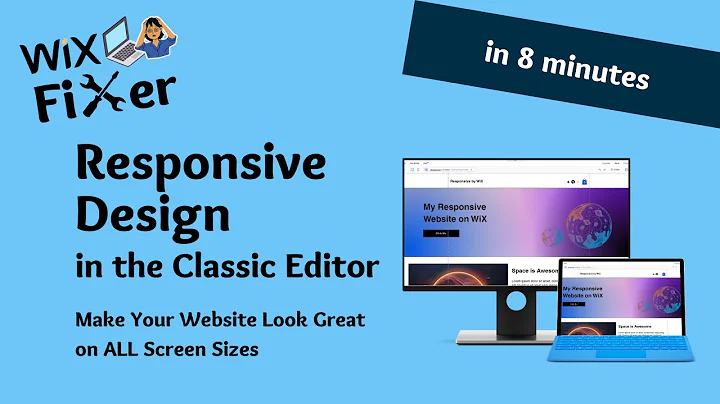
Learn how to optimize your WiX website for responsive design using the Classic Editor for stunning displays on all screen sizes.
How To Make Your WiX Website Look GREAT on ALL Screen Sizes | WiX Classic Editor | Responsive Design
Learn about breakpoints in Wix Studio for responsive web design, enhancing site appearance across desktop, tablet, and mobile devices.
Wix Studio Simplified: Breakpoints | Wix Fix

Subject:
What are you looking for?